CloudRedirect 2.0 is here
2.0.3, but let's not be technical about it.
What's new? Linux support. Some correctness improvements that will enable me to decrease startup time in the future. An option for Windows users to auto-update the DLL when a new version is released. But mostly Linux support. But do read the later part of this post, there are some differences with this update that I do want to make users aware of.
For Linux users, hi! I'm Selective. I make the weird tool that patches Steamtools to make it less bad and enable something like Steam Cloud. This tool redirects Steam Cloud functionality for a non-owned game to a cloud provider/local folder/network drive. Google Drive, OneDrive or your local folder of choice.
I come from the Windows world. I prefer to use macOS over Linux as I don't need much more than *nix tooling and a shell to work in and I can get that on a Mac. My Linux development background involves things that do not have a UI component, so bringing Cloud Redirect to a new platform was....an adventure.
I was confident in my core syncing logic going into this and am still confident on the other side of it. There were some things I needed to handle that are Linux-Steam specific - Steam has a funny system for dealing with a game that is available as both a native Linux build and available for Windows, that a user could be playing in Proton + lots other funny things Valve has to do specifically on Linux to deal with developers who ship invalid Steam Cloud configurations (thank you, 'Nubby's Number Factory' for an education) and crap like that. I expected to deal with some platform-specific weirdness.
So, uhh, I'm not really a 'Linux person' in terms of what I daily. Linux to me is my server plumbing, not my daily desktop OS. I interact with Desktop Linux as a TV-PC thing that is used to play games. So I went into this with a focus on the Steam Deck/KDE user, as I despise Gnome with every fiber of my being/there are a lot of Steam Deck users.
So here's what I have:
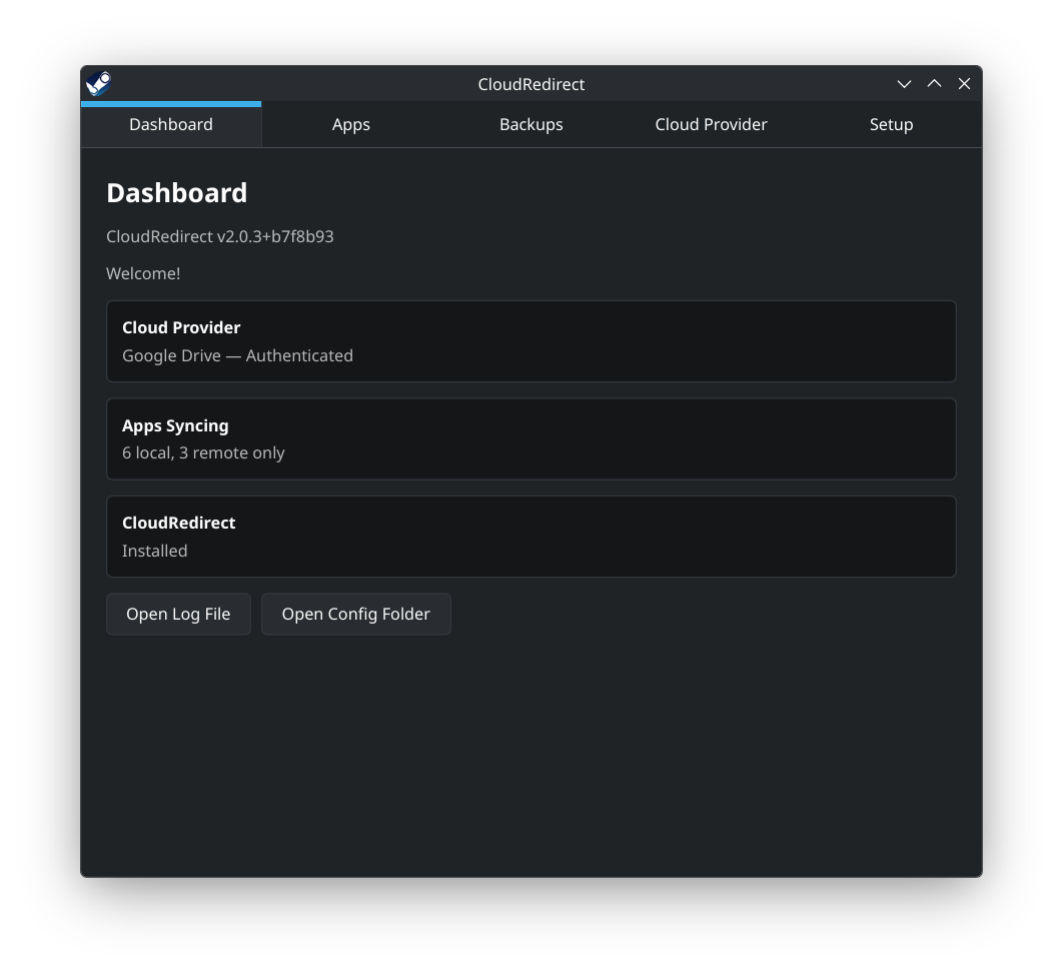
Simple. Easy.
There is also a screen for a user to see which games are backed up to cloud/how many files/an option to reset the game progress, which will create a backup.
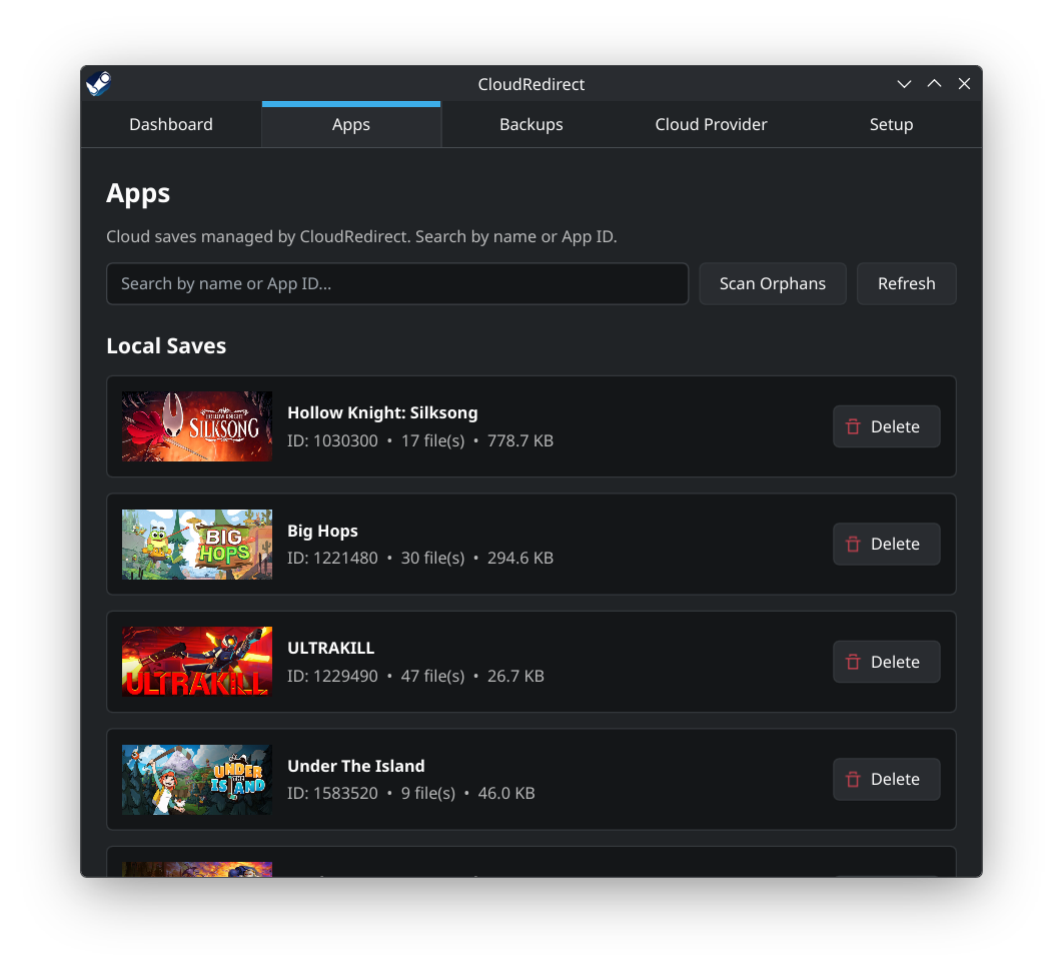
Nice.
There is a tab for signing into cloud providers and a setup tab.
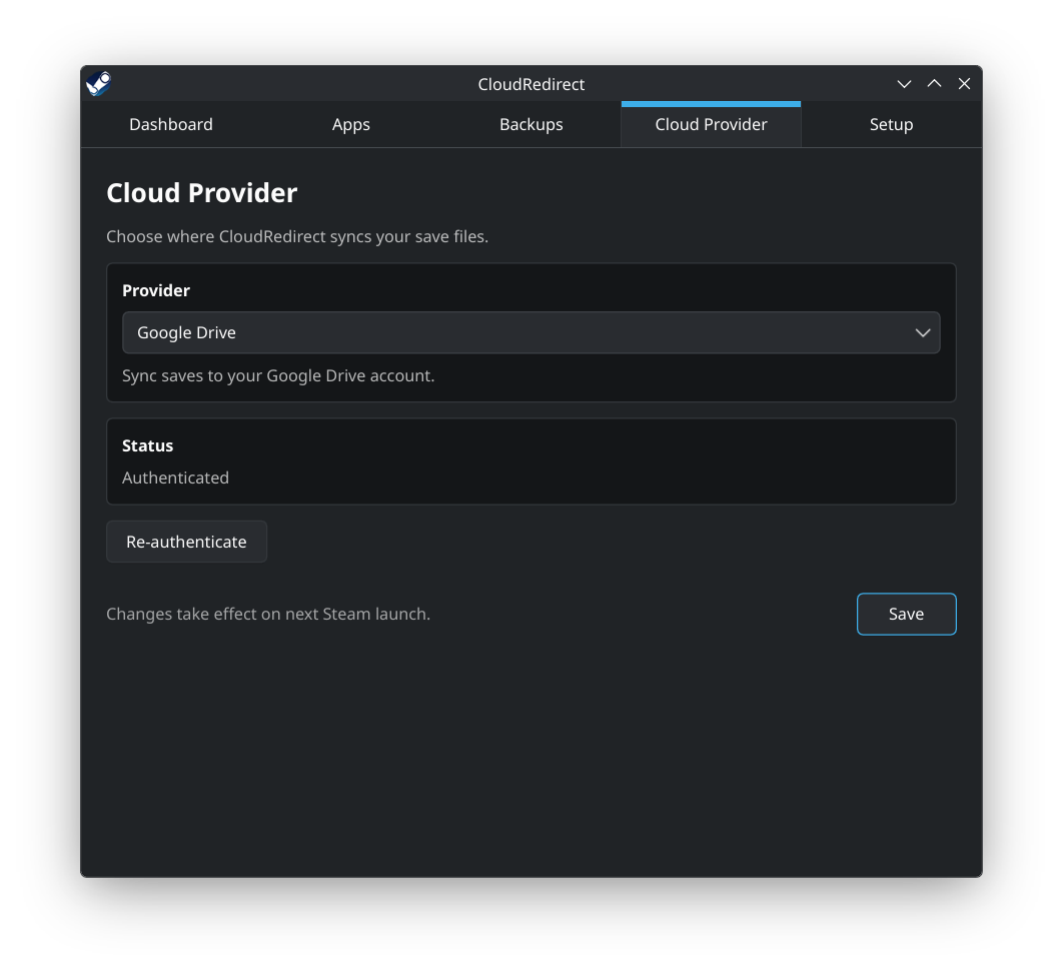
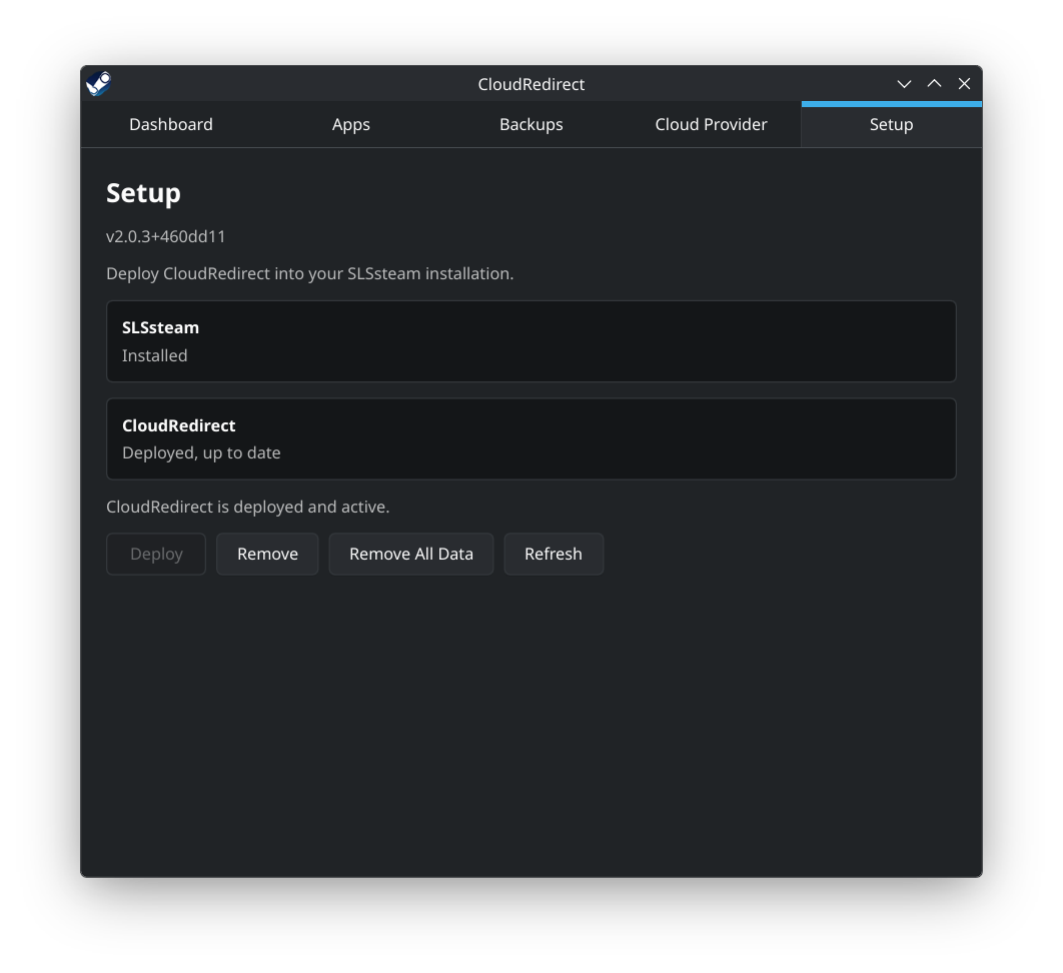
Getting started
For typical users, this tool is installed through h3adcr-b. Easy installation + advanced users can compile it, play with it, do whatever they want. Run the script, install the thing, open the app, login to your provider of choice, edit your SLSSteam config to set DisableCloud to No and start Steam up. All apps that you have specified in AdditionalApps & support Steam Cloud will now sync to your provider of choice.
All the benefits that Steam Cloud brings are now available to you, regardless of the source of your games. Saves will upload. If your Proton prefix is screwed, blow it away and let Steam redownload your save. You can switch back and forth between Linux and Windows, keeping your save. Yay!
Now, this is an early release. There are UI problems in the app that I do not care about enough to delay shipping over. There is room for improvement in terms of how long first time sync takes. The core syncing logic is sound, though. This is better than what people had before, that's for sure.
For the less positive side of things: I expect to get a certain amount of grief for distributing this as a Flatpak. Do understand that I come from a world where dealing with every possible distro under the sun is just not a thing and I was making an effort to avoid distro-specific compatibility problems, trading those definite issues for typical flatpak related issues. If you are bothered by flatpak, compile the app from source. I promise not to be offended. Raise an issue and I'll discuss with the userbase and find a better way.
Windows users, resume reading here
Hey again. So, things for you to know:
To enable automatic updates of the DLL, toggle the new option under Settings on.
I have migrated the ChangeNumber (Steam Cloud thing) system to a reimplementation of what Valve actually uses for Steam Cloud. This is part of the journey that ends in me being able to safely reduce the time that the Steam Client UI is non-responsive when syncing/launching a game. Not a huge deal, but something I do want to solve.
What this means for you is that you should expect a big sync operation when you start Steam after updating. Steam will take a beat or two longer to startup fully/start responding to user input than unusual. This is a one time thing, once it's done...it will be done. Let the migration operation finish before you run off and play a game if you can. You won't break anything if you don't, but have some empathy for the computer. It's working hard.
Roadmap
I do have plans for future features. Here are some things that I intend to work on in the future:
UI improvements to the Linux app/a Decky plugin. Would be nice to have a way for users to see diagnostic information in Game Mode. Not that diagnostic info is needed often knocks on wood
General Linux improvements. Better handling for unsupported versions of Steam/SLS is up next. I didn't really get around to throwing a notification when I detect an unsupported version, I instead fail silently like a moron. But at a certain point you have to ship and that point is today.
Proper handling for achievements/playtime sync. There is an experimental feature in the Windows version that handles achievement/playtime sync. It is horrible. I intend to build a system to act as the source of truth for achievement/playtime data for non-owned games in similar fashion to how the Steam Cloud redirect system works and build it into this app as an optional feature. It's not as much work as it sounds like.
A solution to delete the garbage SteamTools dumped in Steam Cloud under App ID 760. A user found a way to do this and brought it to my attention! I will implement this shortly and do a brief test with a few users before shipping an update that offers this option in the Windows app UI. Not having to deal with 760 contamination makes life easier.
More cloud providers? Whatever people are requesting.